 New
New
No idea what to put on your wish list? wishbird AI asks you a few quick questions and finds suitable gift ideas at real online shops.
Free, for yourself or for your children. You decide what goes on your list.
wishbird AI asks what you like to do, what you love or what you already have. Answer with one click on a button, or type your own answer. It already knows your list, so it won't ask about what's on it.
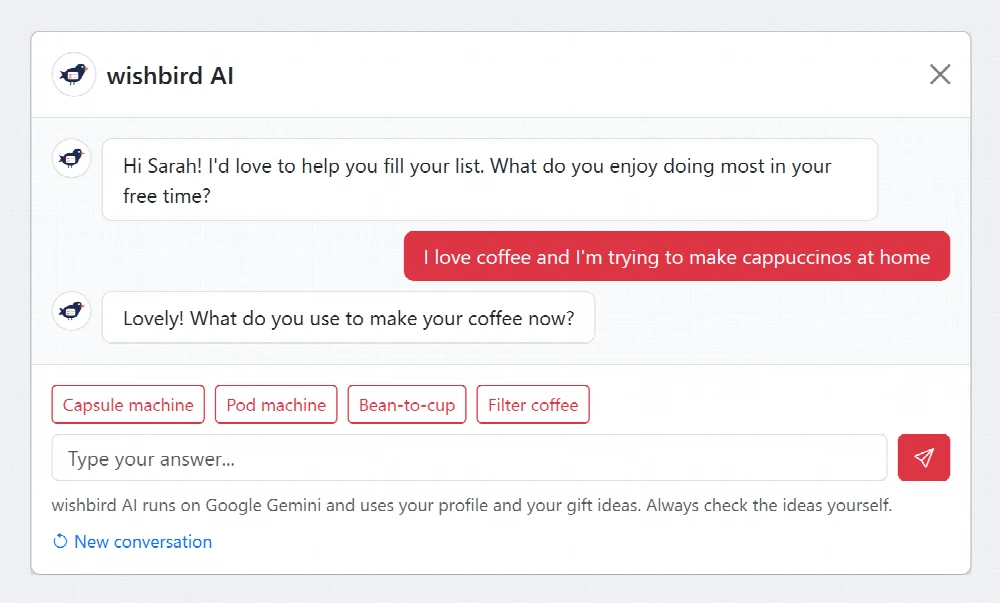
Then wishbird AI searches our partner shops and shows a few products, each with its price and a short explanation of why it suits you. With Add to my list the idea is ready in your list straight away, where you can still edit it.
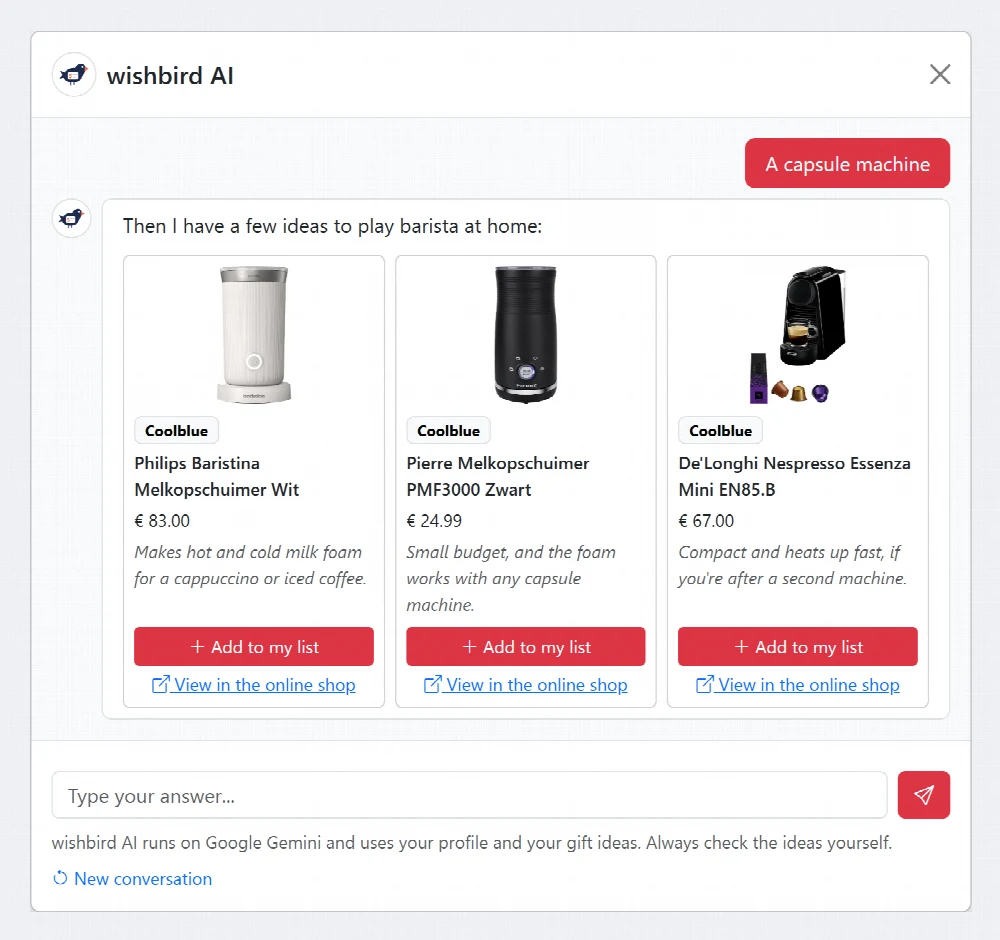
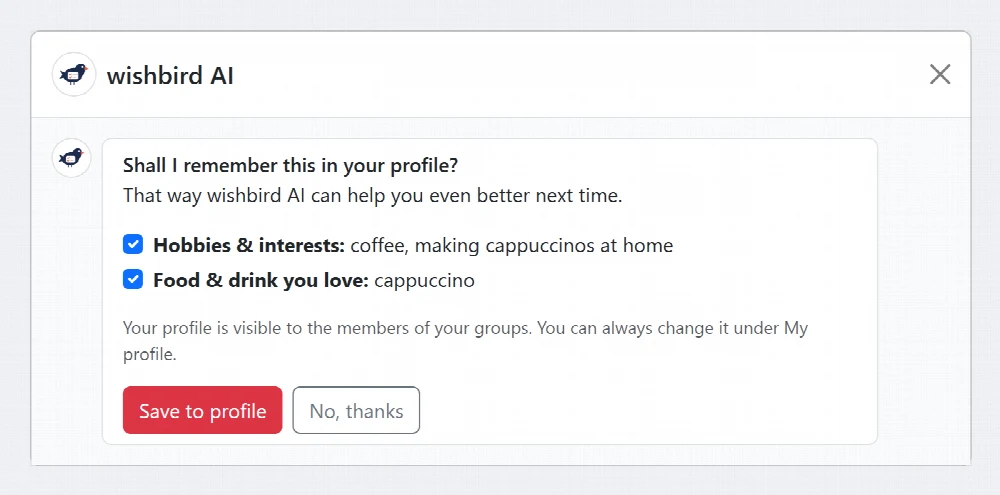
Did you mention something that isn't in your profile yet? At the end of the conversation wishbird AI asks whether it may remember it. You tick what gets saved, so the next ideas suit you even better.
No made-up ideas: wishbird AI only picks products you can actually buy, with the current price and a link to the online shop.
wishbird AI sees what is already on your list and what you received before, so it won't suggest the same thing twice.
Nothing goes on your list by itself and nothing is saved to your profile unless you tick it yourself.
For your Christmas list, the letter to Saint Nicholas, a birthday or a communion: wishbird AI works on all your lists, including your children's.
wishbird AI is a chat powered by artificial intelligence that helps you fill your wish list. It asks you a few quick questions about what you like to do and then looks for suitable products at our partner shops, with a short explanation of why they suit you.
No, wishbird AI is free for everyone with an account.
When adding your gift ideas, on your Christmas list in a group or on a stand-alone wish list, click the AI help chat button. If there is still little on your list, you will also see a block to start wishbird AI.
No. When you click Add to my list next to an idea, the usual form is filled in with the name, price, photo and link. You can still change everything, and the idea only goes on your list once you save it yourself.
Your name, your age (if you entered a date of birth), your profile, the gift ideas on your list, gift ideas you deleted or received earlier, the budget and your answers in the chat. That way it never suggests something that is already on your list. Your e-mail address and the lists of other group members are not used. Read more in our privacy statement.
Only if you want it to be. If you mention something in the chat that isn't in your profile yet, wishbird AI asks at the end of the conversation whether it may remember it. You tick what gets saved yourself. Your profile is visible to the members of your groups.
Yes. If you manage your child's list, wishbird AI uses your child's profile and age, and looks for ideas that fit.
wishbird AI runs on Google Gemini and only picks from real products at our partner shops, but it is still a computer. So always check the ideas yourself before putting them on your list.
Open your list and click AI help chat. Within a minute you'll have your first ideas.
Register for free